"Implement behavior method" bug

I have concept (TestImplement1) that extends BaseConcept and implements ScopeProvider
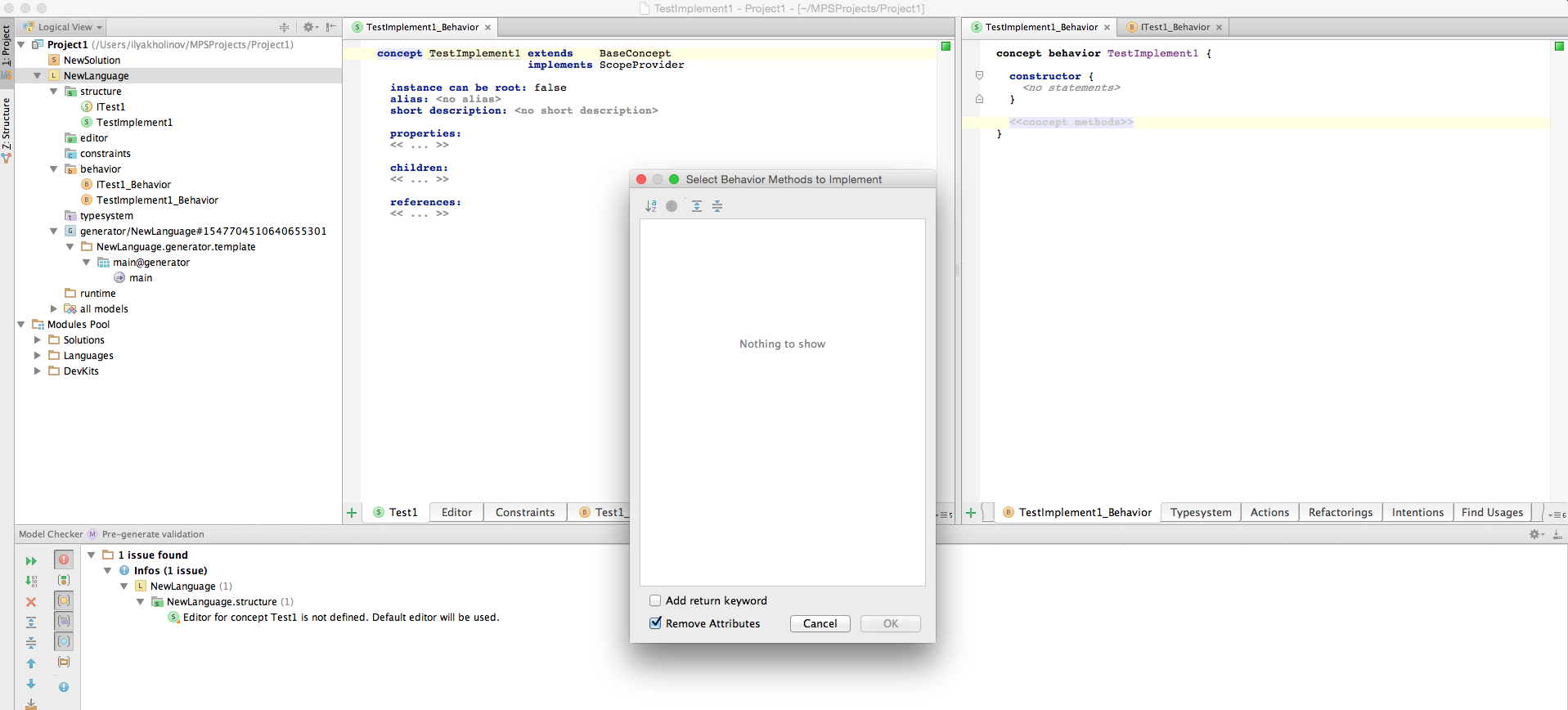
When i press Ctrl+i (Cmd+i) i see empty list of methods to implement (1st screenshot)
Then i create interface concept and there i create "public virtual abstract string getTest1()" and make my concept implement this interface concept.
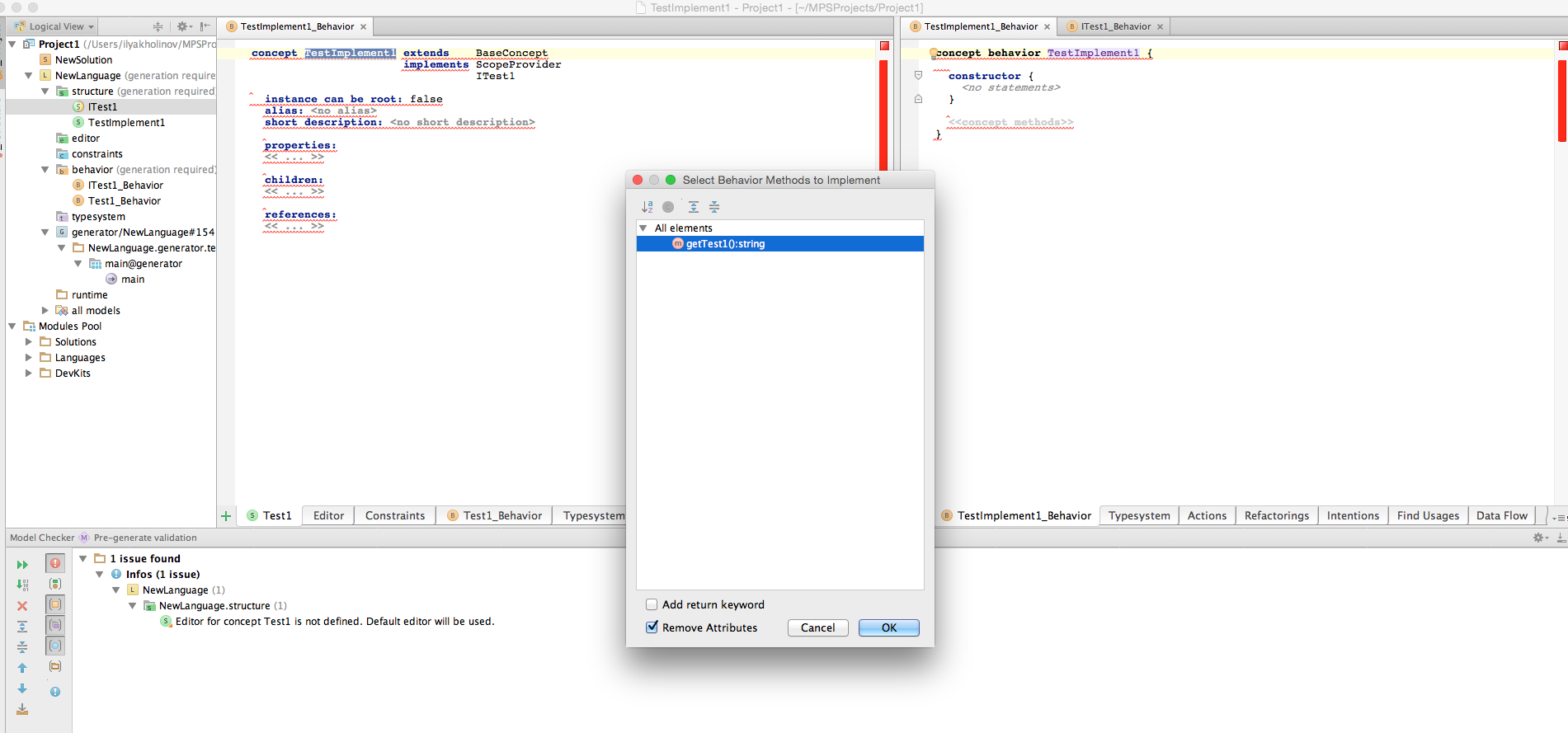
When i hit "Implement behavior method" there i see only my abstract method (2nd screenshot)
P.S. im using mac version MPS 3.2 (build 139.2225) (last screen)
P.P.S. I'v attached project file here
![2015-04-06 04-10-09 TestImplement1 - Project1 - [~ MPSProjects Project1].png](http://adm-10980.intellij.net/zendesk-forum-storage/jf/meta-programming-system/2837/2015-04-06%2004-10-09%20TestImplement1%20-%20Project1%20-%20%5B~%20MPSProjects%20Project1%5D.png)
Project1.zip (48KB)
When i press Ctrl+i (Cmd+i) i see empty list of methods to implement (1st screenshot)
Then i create interface concept and there i create "public virtual abstract string getTest1()" and make my concept implement this interface concept.
When i hit "Implement behavior method" there i see only my abstract method (2nd screenshot)
P.S. im using mac version MPS 3.2 (build 139.2225) (last screen)
P.P.S. I'v attached project file here
Project1.zip (48KB)
Please sign in to leave a comment.
I noticed the same issue. It seems that you can use ctrl+i to implement behavior methods of InterfaceConcepts in your own workspace. Otherwise, it seems that you have to use ctrl+o.
However, I agree with you that this is a bit odd.
Regards,
LaAck